PDF Too Large to Email? 7 Simple Ways to Reduce Its Size
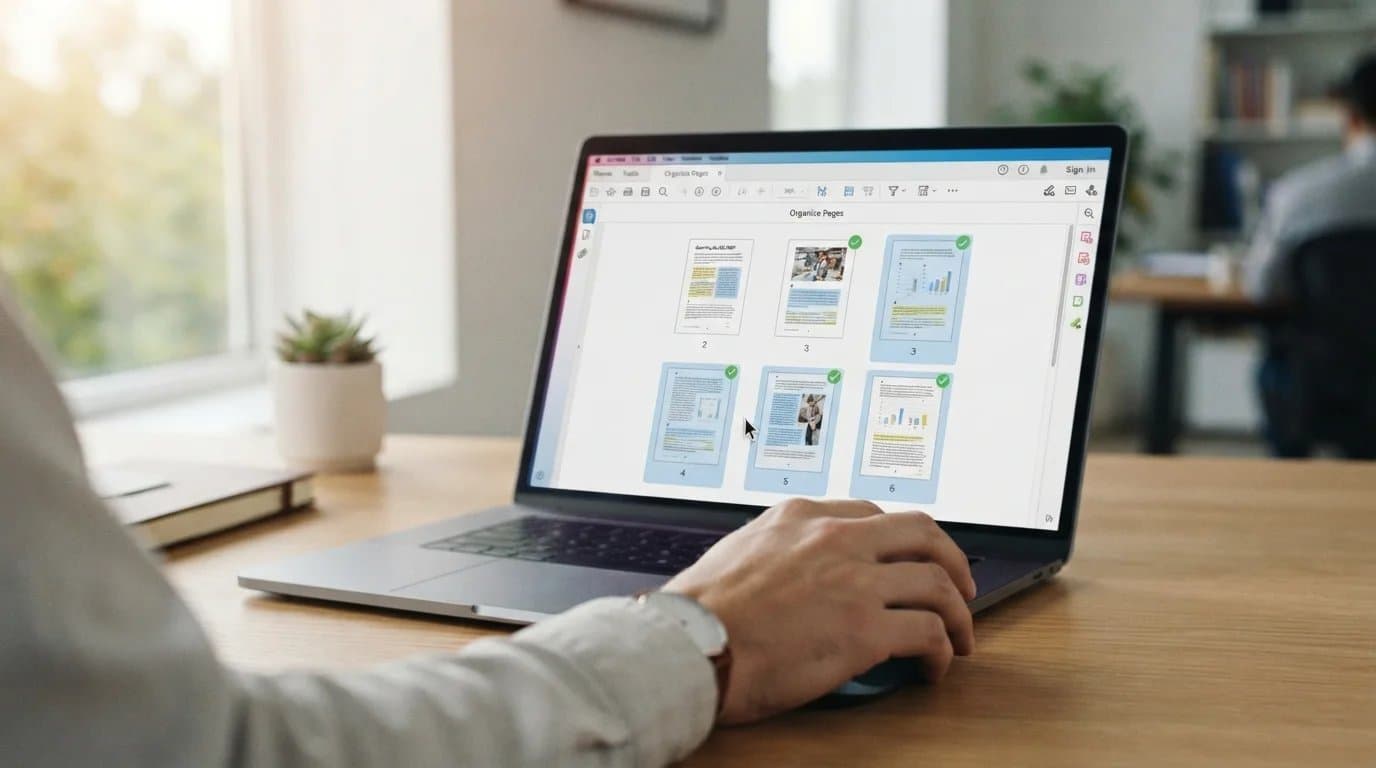
Sending a PDF by email is usually simple until the file is too large to attach. High-resolution images, scanned pages, embedded fonts, and extra document elements can quickly increase a PDF's size. When this happens, your email provider may reject the attachment or prevent the message from being sent. If you have a pdf too large to email, there are several practical ways to reduce its size without making the document difficult to read. Here are seven simple methods you can try. Compress the PDF The easiest solution is to compress the PDF. PDF compression reduces unnecessary data within the document, which can significantly lower its file size. This is especially useful for PDFs containing photographs, scanned documents, or graphics. Depending on the compression level, you can reduce the size while keeping the text clear and readable. Online PDF compressors can make this process quick. Simply upload the document, select the appropriate compression option, and download the smaller version. Reduce Image Resolution Images are often responsible for a large portion of a PDF's file size. A document containing several high-resolution photographs can become much larger than expected. Before creating or exporting your PDF, consider reducing image resolution. For documents that only need to be viewed digitally, extremely high-resolution images are usually unnecessary. You can also resize large images before adding them to the document. This can help keep the final PDF smaller without noticeably affecting its appearance. Remove Unnecessary Pages Large PDFs sometimes contain pages that are no longer needed. Drafts, duplicate pages, blank sheets, or outdated information can increase the document size unnecessarily. Review the PDF before sending it and remove anything that the recipient does not need. A shorter document is generally easier to manage, upload, and share. This is particularly helpful for reports, presentations, scanned records, and business documents containing multiple sections. Check the Email Attachment Size Limit Every email service has restrictions on the size of attachments you can send. The email attachment size limit depends on the provider and the type of account you use. For example, Gmail generally allows attachments up to 25 MB in a message. If your file exceeds the gmail 25mb limit, Gmail may suggest sharing it through Google Drive instead of attaching it directly. Outlook also has restrictions, and the outlook attachment limit can vary depending on the account and service configuration. Checking the provider's current limit can help you determine whether compression is enough or another sharing method is needed. Save the PDF Using Optimized Settings The way a PDF is created can have a major effect on its final size. When exporting a document, look for options such as "minimum size," "optimized PDF," or reduced image quality. Avoid using print-quality settings when the file is only intended for online reading. Choosing web or screen optimization can produce a much smaller document while maintaining sufficient quality for everyday use. Convert Scanned Pages More Efficiently Scanned PDFs can become particularly large because every page may be stored as a high-resolution image. If you scan documents at unnecessarily high settings, the final PDF can become difficult to email. When scanning, choose a suitable resolution for the purpose of the document. For ordinary text documents, moderate resolution is often enough. If the PDF has already been created, compression can help reduce its size. Use a File-Sharing Option for Very Large PDFs Sometimes compression is not enough, especially when the document contains hundreds of pages or many detailed images. In that situation, you can send large pdf files using a cloud storage or file-sharing service. Instead of attaching the entire document, upload it and share a secure link with the recipient. This avoids attachment restrictions and can be useful for large business reports, portfolios, manuals, and project files. However, if you prefer sending the PDF directly as an attachment, reducing its size first is usually more convenient. Why XYConvert Is the Best Choice for You If you have a pdf too large to email, XYConvert provides a straightforward way to reduce the document size before attaching it to your message. Its online PDF tools can help simplify common file-management tasks without requiring complicated software installation. For users who regularly work with documents, having an accessible online tool can save time when a file needs to be reduced quickly. You can optimize your PDF and then check whether it fits within your email provider's attachment restrictions. The goal is not simply to make a PDF smaller. It is to create a file that remains practical to read, share, and store. Final Thoughts A large PDF does not necessarily mean you need to abandon email. Compressing the document, reducing image resolution, removing unnecessary pages, and optimizing export settings can make a noticeable difference. If the file remains too large after these steps, using a file-sharing service is another practical option. By choosing the right approach, you can handle a pdf too large to email without sacrificing the usefulness of the document.